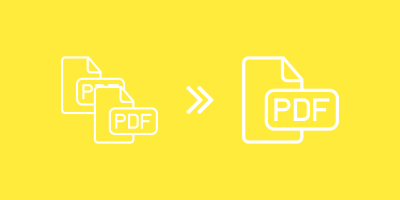
Merge your PDFs online
Free, from anywhere
How to merge PDF files
You can simply drag and drop several files into the box above. You can also upload them from your hard drive or a cloud storage service.
After your files are uploaded, a thumbnail of each document is generated. To change the merge order, click a thumbnail and drag it to a new position.
Online PDF merge service
Instead of installing software to combine PDFs, do it online in your browser.
With PDF2Go you can merge PDF documents without using hard drive space and without downloading or installing software that could contain viruses or malware.
Why should I merge PDFs?
Sometimes multiple PDFs are created when scanning images or a book. But what if you want them all in one file?
Do not want to print several documents individually? Combine them into one document to print.
Tip: You can also split PDF files.
Safely merge your PDFs
PDF2Go does the work for you, but the original copyright is not changed. Your files are kept safe on our servers and are not shared with third parties.
For more information, check our Privacy Policy below.
What can I merge?
Merging is available for many types of documents. You can merge PDF documents, merge images into a PDF, or merge other documents into a PDF file.
Use cases: Merge JPG files into one PDF. Merge TOS with your invoices and save them as PDF.
Combine PDFs on any device
If you want to merge PDF files, you are not limited to using your computer.
With PDF2Go’s online service you can merge or combine your documents from anywhere using your web browser.