Online PDF converter
Free, from anywhere
Easily convert to PDF
After uploading your file to PDF2Go via drag & drop, Dropbox, Google Drive or from your computer, you can choose the conversion method.
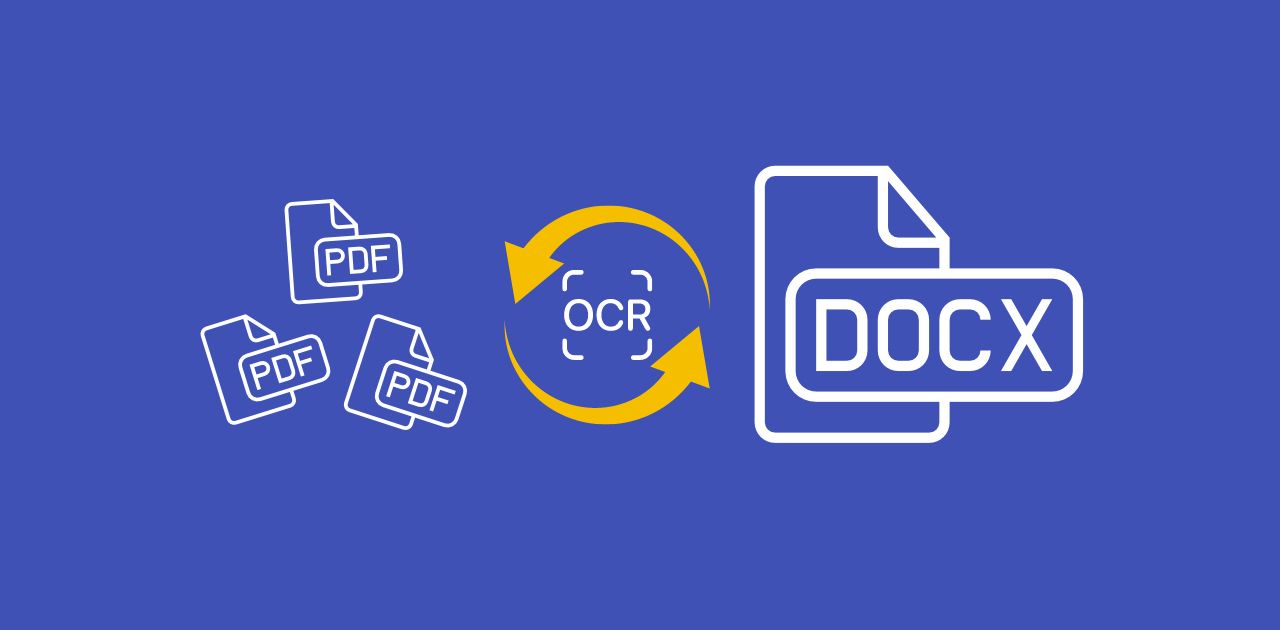
If you want to convert to PDF, you can use OCR. If you have a scanned page or image, OCR can extract text from your file and add it to the new PDF document. That way, you can easily convert an image to text.
Then click "Save changes" and leave the hard work to us.
Use an online converter
If you use a free converter to turn your files into PDF documents, you should always make sure that your computer or mobile device is safe. With an online converter, you do not need to download or install any suspicious programs.
Do not worry about malware, viruses or storage space when converting to PDF. On PDF2Go, you only download your edited file and nothing else.
Why convert files to PDF
PDF is a widely used document format. Its main features are print optimization and fixed formatting so PDFs look the same on any device.
For many users, this is enough reason to use a free PDF converter to convert Word to PDF. With OCR, you can also extract text from images, for example when you convert JPEG to PDF. Simply enable the "Use OCR" option in this case.
Conversion that is 100% safe
If you have security concerns, PDF2Go's PDF converter handles your files 100% securely.
We do not obtain any rights to your files and there is no manual checking. After a certain time, your files are deleted from our servers.
For more information, please see our privacy policy.
Possible conversions to PDF
DOC, DOCX, ODT, RTF, TXT and more
E-book:AZW, EPUB, MOBI and more
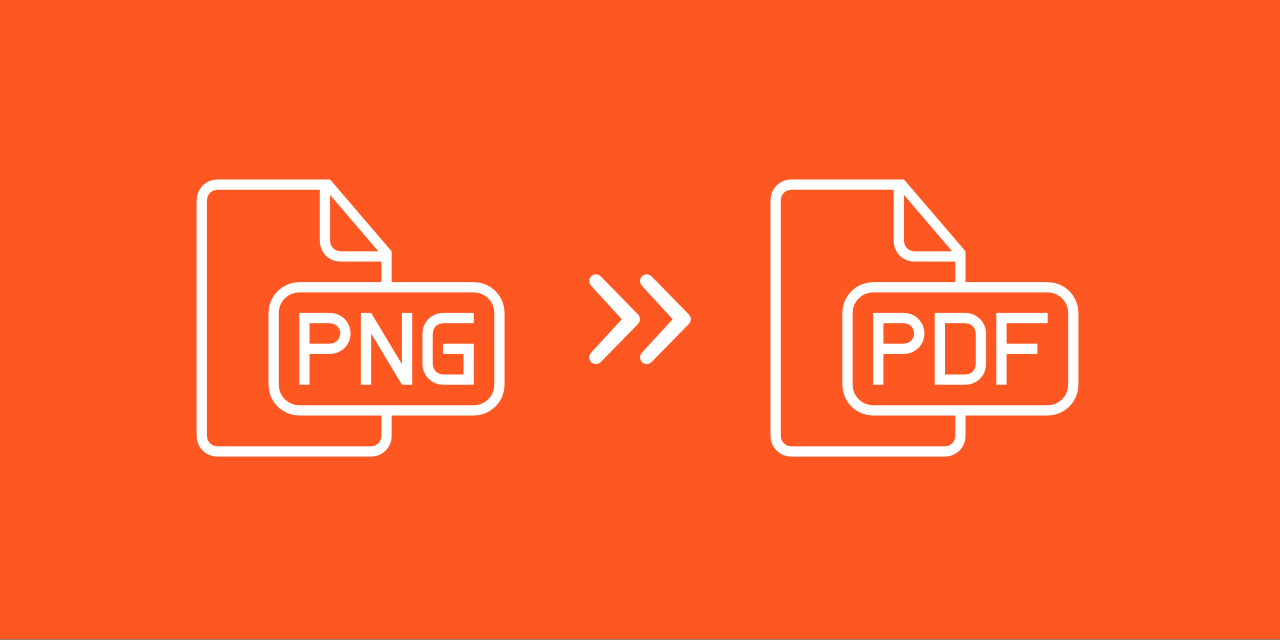
Images:GIF, JPG, PNG, SVG, TIFF and more
Presentations:ODP, PPT, PPTX
Spreadsheets:CSV, ODS, XLS, XLSX
Convert to PDF online
PDF2Go does exactly what the name implies: the online PDF converter works on any device, in your browser, without installing additional software.
PDF2Go also provides a free PDF converter, so there are no costs for you.